Coderetreat
A community event to practice professional software development
The maintainers of Coderetreat.org are looking for like-minded individuals to carry the banner! If you are interested in being a steward of the Global Day of Coderetreat coordination and website, please contact us at [email protected]
Coderetreats are free day-long, intensive practice events, focusing on the fundamentals of software development and design. By providing developers the opportunity to take part in focused practice, away from the pressures of "getting things done", the coderetreat format has proven itself to be a highly effective means of learning and nurturing software development skills.
All over the world, people are coming together in small communities of practices to learn, explore and grow. Join us on the Global Day of Coderetreat on Nov 13, 2026 - Nov 14, 2026 or discover local communities around you!
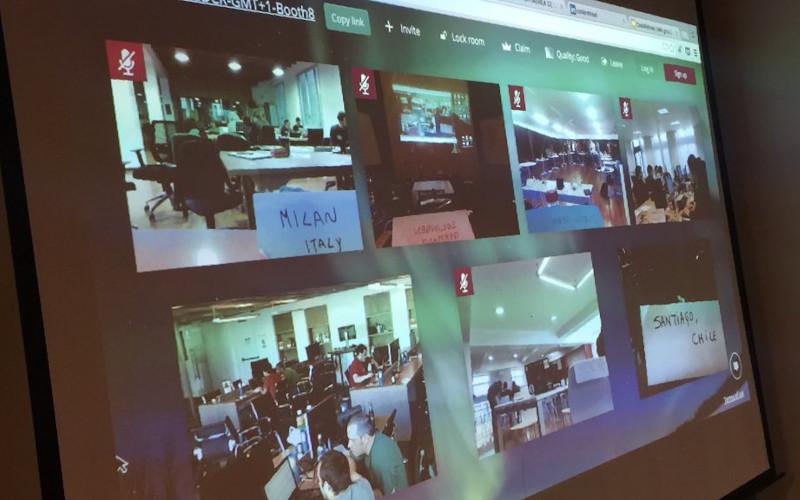
Global Day of Coderetreat
Join thousands of developers on Nov 13-Nov 14, 2026 in the largest free community workshop worldwide.
Find an event in your area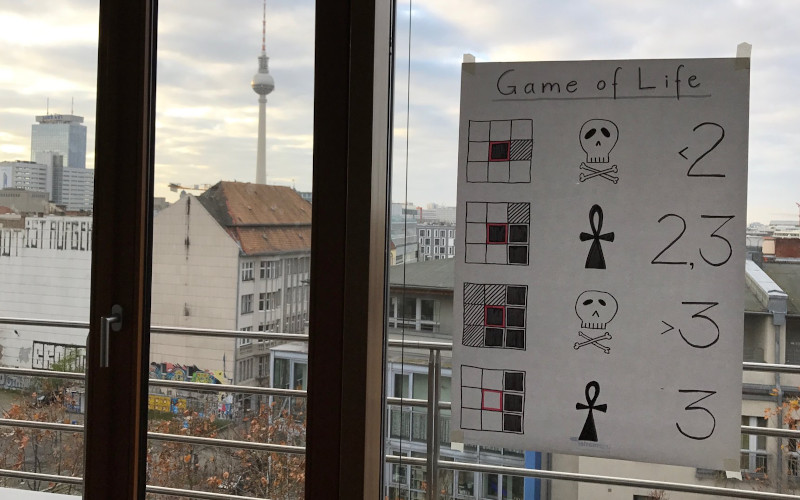
What is a coderetreat?
A coderetreat is a day of deliberate practice, far away of the pressure of getting things done. A space for you to try out Test-Driven-Development and other practices.
Learn more
Getting started
What do you need to prepare? How do you set up an IDE? We'll answer these and a lot of frequently asked questions in our Getting Started-guide!
To the guideLatest news and articles
Code & Supply hosted a Coderetreat focused on pair programming and test-driven development. Here’s what attendees learned
by Colin Dean, 2023, English
The Pittsburgh software community celebrated 12 years of Global Day of Coderetreat this weekend.
Read onOur take on Global Day of Coderetreat 2023
by Mateusz Chrzonstowski, 2023, English
Organizing, running and participating in internal coding workshops
Read onGlobal Day of Coderetreat Toronto 2022: How we scaled coderetreat to 40+ participants
by Paul Sobocinski, 2022, English
'But will it scale?' Who hasn't been asked that before! At least with coderetreat, we found that it scales quite well. Learn how we planned just enough to scale Toronto's Global Day of Coderetreat in 2022 to over 40 participants.
Read onGlobal Day of Code Retreat 2022 in Wrocław
by Michal Pawlik, 2022, English
Michał co-hosted a Coderetreat event with Ocado Technology and Klose Brothers in Wrocław. Read on to find out how they did mob programming of Conway's Game of Life solution in Functional Programming & Scala!
Read onCoderetreat — or why you should go and do it!
by Michal Gutman, 2019, English
The team at HelloHeart gathered for their company retreat and wanted to do an exciting workshop. They decided to hold a private coderereat and had our very Corey Haines join them. Find out how they made this happen and how it went in this blogpost by Michal Gutman.
Read onCoderetreat - dlaczego warto tam być
by Krystian Adamski, 2019, Polish
This year marked the third time Krystian joined a Global Day Of Coderetreat event. Read on to find out why coderetreats don't loose their magic even after the third time!
Read onTest Driven Development at a Code Retreat
by Anelda van der Walt, 2019, English
Anelda joined a Coderetreat event in Cape Town this year and they were so kind to write up what their expectations were, how they prepared for the event and how it turned out at the end (spoiler: sounds like they enjoyed their time!)
Read onGot a coderetreat related article to share? File an issue or send us a Pull Request on GitHub!